
MetaTrader 5 for macOS
The MT5 desktop experience for Mac.
Access MetaTrader 5 from your Mac and manage your Royce trading account through a powerful desktop trading environment.
Downloads are provided by MetaQuotes, the developer of MetaTrader 5.
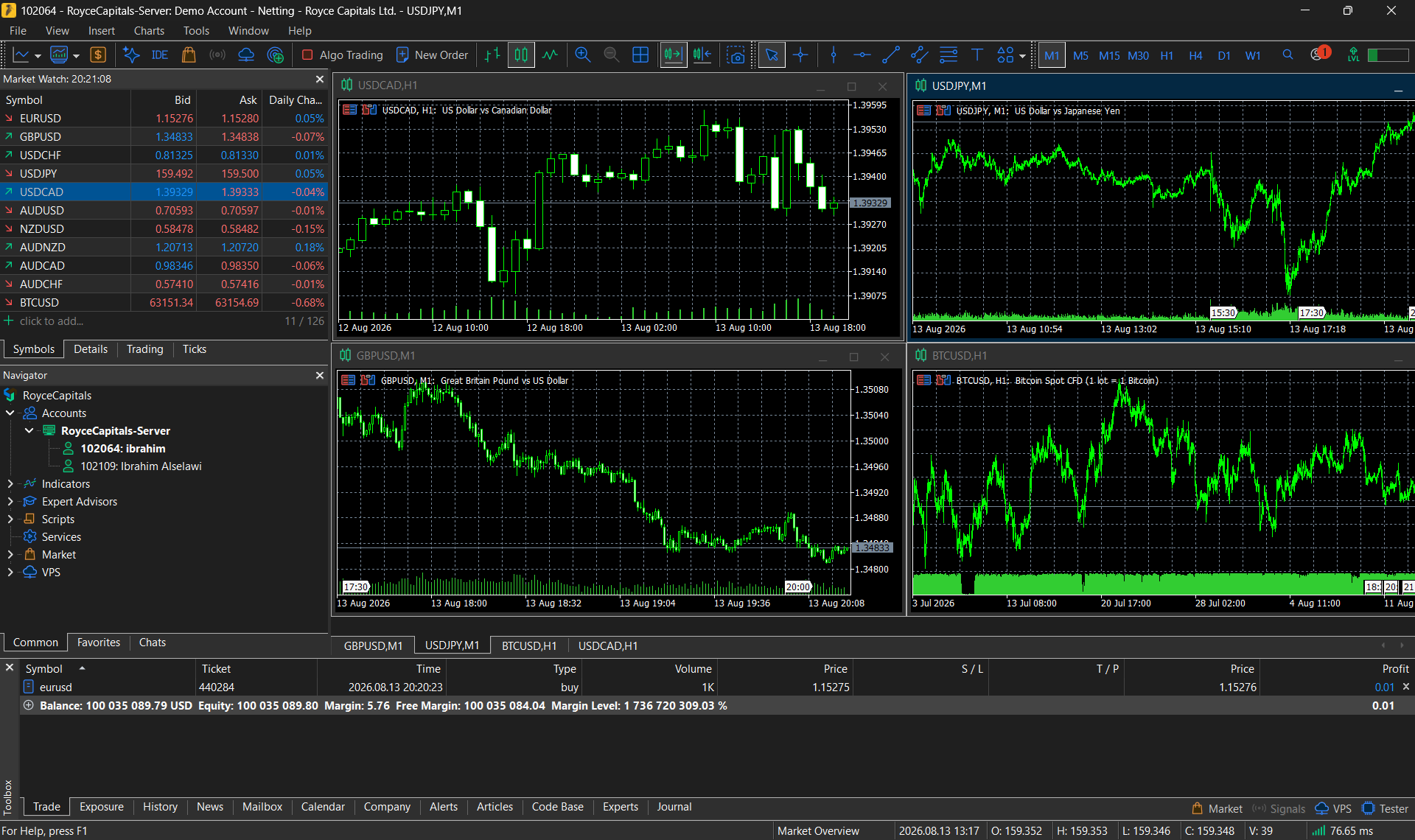
MT5 on Your Mac
Desktop Trading
Access the familiar MetaTrader 5 desktop environment from macOS.
Advanced Analysis
Use comprehensive charts, indicators and analytical tools.
Expert Advisors
Access MQL5-based automated trading functionality.
Order Management
Monitor and manage orders and positions from your Mac.
Royce Account Access
Connect directly to your Royce MT5 trading account.
Set Up on macOS
Download
Download the macOS installer.
Open
Open the installation package.
Install
Follow the installation instructions.
Launch
Launch MetaTrader 5.
Connect
Select the appropriate Royce server and enter your trading credentials.
About the macOS Installer
According to MetaQuotes, the current macOS installer automatically downloads and configures the required Wine environment, so MetaTrader 5 runs through a managed compatibility layer rather than as a fully native macOS application.
Supported macOS versions and processor requirements are published by MetaQuotes and may change between platform releases. Check the MetaQuotes documentation for the version you are installing.
Get MetaTrader 5 for macOS
Download the macOS installer and connect to your Royce trading account.
MetaTrader 5 is a trading platform developed by MetaQuotes Software Corp. Platform capabilities are separate from Royce trading conditions.